Create Meditation Music with AI: Step-by-Step Guide
Learn how to generate calming meditation and relaxation music using AI. Perfect for yoga, sleep, mindfulness apps, and wellness content.
Lriza Team
AI Music Experts
Create Perfect Meditation Music with AI
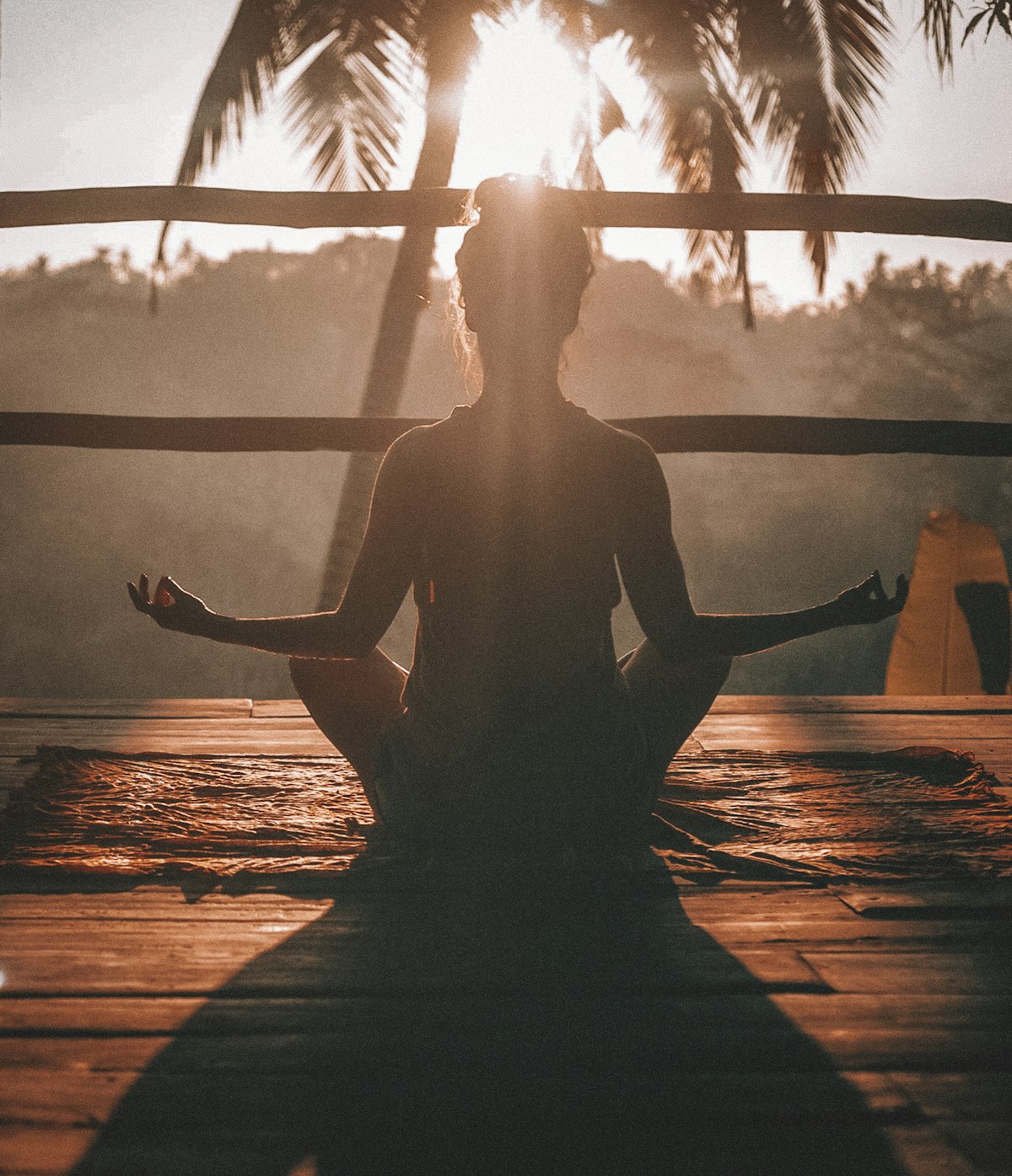
Meditation and wellness content requires specific types of music—calm, non-intrusive, and deeply relaxing. AI music generators can create custom meditation tracks perfectly suited to your needs, whether for personal practice, apps, or content creation.
What Makes Great Meditation Music?
Key Characteristics
- Slow tempo: 60-80 BPM or slower
- Minimal melody: Not distracting
- Soft textures: Gentle, flowing sounds
- No sudden changes: Gradual, smooth transitions
- Repetitive elements: Creates hypnotic effect
- Natural sounds: Optional nature ambience
Instruments That Work Well
- Singing bowls
- Soft synthesizer pads
- Gentle piano
- Acoustic guitar (fingerpicked)
- Flute
- Chimes
- Nature sounds
AI Prompts for Different Meditation Styles
General Meditation
"Calm, peaceful meditation music with soft synthesizer pads, very slow tempo around 60 BPM, gentle and non-intrusive, creates sense of stillness and presence, 10 minutes"
Sleep Music
"Ultra-relaxing sleep music, barely perceptible changes, soft drone-like pads, no percussion, extremely calming, helps drift off to sleep, delta wave inducing, 15 minutes"
Yoga Flow
"Flowing yoga music with gentle world music influences, soft percussion, meditative but with subtle movement, supports breath work, 70 BPM, 20 minutes"
Guided Meditation Background
"Very subtle background music for guided meditation, minimal and unobtrusive, creates supportive atmosphere without distraction, soft pads only, fades easily"
Morning Mindfulness
"Gentle awakening meditation music, soft piano with ambient textures, hopeful and peaceful, gradual energy increase, sunrise feeling, 65 BPM"
Deep Relaxation
"Deep relaxation music with singing bowl tones, long reverb, floating quality, timeless and spacious, promotes complete stillness, extremely slow evolution"
Step-by-Step: Creating a Meditation Track
Step 1: Define the Purpose
- What type of meditation?
- What length is needed?
- Will there be voiceover?
- What time of day?
Step 2: Choose Your Elements
- Tempo (typically 50-70 BPM)
- Main instrument/texture
- Ambient layers
- Overall mood
Step 3: Craft Your Prompt
Include:
- Purpose and mood
- Tempo specification
- Instrument preferences
- Duration needs
- Any special requirements
Step 4: Generate and Evaluate
Listen for:
- Smooth, unjarring flow
- Appropriate energy level
- No distracting elements
- Clean, clear sound
Step 5: Post-Processing (Optional)
- Add nature sounds
- Adjust volume curve
- Create seamless loop
- Layer multiple generations
Use Cases for AI Meditation Music
Wellness Apps
- Sleep timers
- Meditation sessions
- Breathing exercises
- Relaxation features
Content Creation
- YouTube meditation channels
- Podcast intros/backgrounds
- Wellness course content
- ASMR videos
Personal Practice
- Home meditation
- Yoga sessions
- Study/focus music
- Sleep aid
Commercial Use
- Spa background music
- Therapy office ambience
- Fitness studio cool-down
- Waiting room music
Tips for Better Meditation Tracks
Do This
- Keep it minimal
- Use long, evolving sounds
- Avoid sudden changes
- Test at low volumes
- Create multiple versions
Avoid This
- Busy arrangements
- Sudden transitions
- Distracting melodies
- High frequencies
- Complex rhythms
Start Creating Peaceful Music
Download Lriza and generate your first meditation track in minutes. Create the perfect soundtrack for relaxation, sleep, and mindfulness.
Ready to Create Your Own Music?
Download Lriza and generate your first AI track in under 60 seconds. No musical experience required.