AI Music for Video Games: How Indie Developers Create Soundtracks
Learn how indie game developers are using AI to create professional game soundtracks. Complete guide with techniques, tools, and implementation tips.
Lriza Team
AI Music Experts
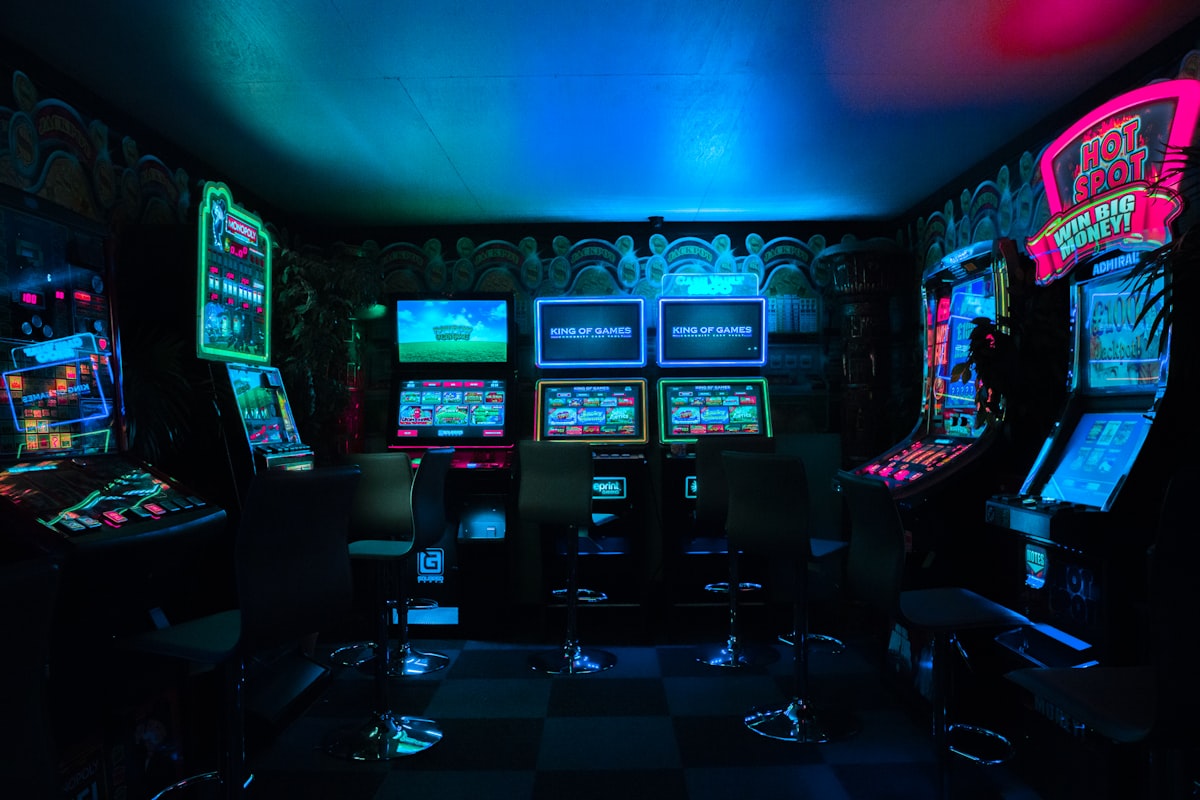
How Indie Developers Are Revolutionizing Game Audio with AI
AI music generation has become a game-changer for indie developers, enabling solo creators and small teams to produce professional soundtracks without hiring composers or licensing expensive music libraries. In 2026, some of the most atmospheric and memorable indie game soundtracks are being created with AI assistance.
This guide shows you exactly how to create a compelling game soundtrack using AI tools like Lriza.
The Indie Game Audio Challenge
Traditional Options (And Their Problems)
| Option | Cost | Time | Quality |
|---|---|---|---|
| Hire composer | $1,000-10,000+ | Weeks-months | High |
| License stock | $100-500/track | Days | Variable |
| Royalty-free libraries | $50-200/pack | Hours | Often generic |
| Learn composition | $0 (time) | Months-years | Variable |
The AI Solution
| AI Generation | Cost | Time | Quality |
|---|---|---|---|
| Tool subscription | $8-25/month | Minutes/track | High |
| Time to implement | - | Days | Consistent |
| Customization | Unlimited | Instant | Tailored |
Planning Your Game's Audio Identity
Step 1: Define Your Audio Vision
Before generating anything, answer these questions:
-
What genre is your game?
- Action, RPG, puzzle, horror, platformer, etc.
-
What's the emotional journey?
- Main menu feeling
- Gameplay emotions
- Victory/defeat states
- Story beats
-
What's your reference point?
- Games with soundtracks you admire
- Specific moods or eras
- Cultural influences
Step 2: Create a Music Map
Document every music need:
GAME: [Your Game Name]
GENRE: [Game Genre]
REFERENCE GAMES: [Similar games with good soundtracks]

MUSIC NEEDS:
- Main Menu Theme
- Level 1 Background
- Level 2 Background
- Boss Battle
- Victory Fanfare
- Game Over
- Cutscene: [Scene Name]
- Ambient: [Location]
[etc.]
Creating Game-Specific Music with AI
Main Menu Music
The first impression. Should capture your game's essence.
Effective Prompts:
For an adventure game:
"Epic orchestral main menu theme, adventurous and inviting, builds anticipation, heroic undertones, full arrangement, loopable, 90 seconds"
For a puzzle game:
"Gentle, thoughtful piano melody for puzzle game menu, calming yet curious, minimalist elegance, loopable ambient, 60 seconds"
For a horror game:
"Unsettling ambient menu music, dark and atmospheric, subtle tension, eerie soundscape, psychological horror, loopable, 2 minutes"
Gameplay Background Music
Must support long play sessions without becoming annoying.
Key Principles:
- Loopable (seamless end-to-beginning transition)
- Not too dynamic (shouldn't distract)
- Energy-appropriate for gameplay intensity
- Memorable but not intrusive
Prompts by Game Type:
Platformer:
"Upbeat chiptune-inspired platformer music, fun and bouncy, retro gaming feel, energetic but not overwhelming, perfect loop, 2 minutes"
RPG Exploration:
"Atmospheric orchestral exploration theme, sense of wonder and discovery, fantasy RPG style, gentle pace, seamless loop, 3 minutes"
Racing:
"High-energy electronic racing music, adrenaline-pumping, fast-paced, synthwave influenced, intense, perfect loop, 2 minutes"
Boss Battle Music
Peak intensity moments require impactful music.
Boss Music Principles:
- Immediate impact (no slow intros)
- Sustained intensity
- Sense of danger/importance
- Usually faster tempo
Prompt Examples:
Fantasy Boss:
"Epic boss battle music, dramatic orchestral with choir, relentless intensity, fantasy RPG final boss, powerful and threatening, 2 minutes"
Sci-Fi Boss:
"Intense electronic boss battle theme, cyberpunk influenced, aggressive synths, pounding rhythm, futuristic danger, 90 seconds"
Victory/Defeat Stingers
Short pieces that punctuate moments.
Victory Fanfare:
"Triumphant victory fanfare, celebratory and rewarding, brass and strings, builds to satisfying conclusion, 8 seconds"
Game Over:
"Somber game over music, melancholic but not depressing, reflects failure with dignity, fades out, 6 seconds"
Level Complete:
"Cheerful level complete jingle, accomplishment feeling, bright and positive, quick resolution, 4 seconds"
Ambient/Environmental
Background atmosphere for specific areas.
Forest Area:
"Peaceful forest ambient music, nature-inspired, gentle woodwinds, bird-like melodies, tranquil and immersive, loopable, 3 minutes"
Cave/Dungeon:
"Dark cave ambient soundscape, echoing and mysterious, subtle danger, minimal melody, atmospheric, loopable, 3 minutes"
Town/Village:
"Warm village theme, welcoming and lively, acoustic instruments, folk influenced, community feeling, loopable, 2 minutes"
Technical Implementation
Audio Formats for Games
| Engine | Preferred Format | Sample Rate | Bit Depth |
|---|---|---|---|
| Unity | WAV, OGG | 44.1kHz | 16-bit |
| Unreal | WAV | 44.1kHz+ | 16-24 bit |
| Godot | OGG, WAV | 44.1kHz | 16-bit |
| GameMaker | OGG, MP3 | 44.1kHz | 16-bit |
Creating Seamless Loops
AI Generation Tips:
- Specify "loopable" or "perfect loop" in prompts
- Request consistent tempo throughout
- Ask for "seamless end-to-beginning transition"
Post-Processing:
- Identify a good loop point (usually on a beat)
- Cross-fade the end into the beginning
- Test the loop multiple times
- Adjust in audio software if needed
Implementing Adaptive Music
For dynamic soundtracks that respond to gameplay:
Layer Approach:
- Generate a base layer (constant)
- Generate intensity layers (add during action)
- Generate ambient layers (remove during tension)
- Mix and trigger in engine
State-Based Approach:
- Generate calm version
- Generate combat version
- Generate danger version
- Crossfade between states
Workflow for Full Game Soundtrack
Phase 1: Pre-Production
- Document all music needs
- Establish audio vision
- Create reference playlist
- Write initial prompts
Phase 2: Generation
- Generate main themes first
- Create variations for consistency
- Build environmental ambiences
- Create stingers and fanfares
Phase 3: Post-Production
- Edit for perfect loops
- Normalize levels across tracks
- Add any needed processing
- Create variations if needed
Phase 4: Implementation
- Import into game engine
- Set up music system
- Test in gameplay context
- Adjust volumes and triggers
Phase 5: Polish
- Playtest for audio fatigue
- Gather feedback
- Regenerate problematic tracks
- Final mix adjustments
Budget-Friendly Soundtrack Creation
Minimal Viable Soundtrack
For a simple game, prioritize:
- Main menu theme (sets the tone)
- Primary gameplay loop (most heard)
- Win/lose stingers (emotional punctuation)
Cost: One month of Lriza Premium (~$8)
Complete Indie Soundtrack
For a full-featured game:
- Main menu theme
- 3-5 level/area themes
- Boss battle theme
- Ambient variations
- Multiple stingers
- Optional: Character themes
Cost: 2-3 months of Lriza Premium (~$16-24)
Case Study: Creating a Platformer Soundtrack
The Game
A retro-inspired platformer with 5 worlds
Music Needs
- Main menu
- 5 world themes
- Boss theme
- Victory/defeat stingers
Process
Day 1: Planning
- Defined each world's character
- Created prompt templates
- Established musical connections between themes
Day 2-3: Generation
- Generated main menu
- Created all world themes
- Produced boss music
- Made all stingers
Day 4: Post-Production
- Edited for loops
- Normalized levels
- Created variations
Day 5: Implementation
- Imported to engine
- Set up triggers
- Tested in gameplay
Total Time: 5 days Total Cost: ~$8 (one month Lriza)
Tips from Indie Developers
Do This
- Generate more than you need (pick the best)
- Create variations for long play sessions
- Test music during actual gameplay
- Consider player fatigue
- Keep consistent volume levels
Avoid This
- Overly complex music that distracts
- Tracks that don't loop cleanly
- Music that doesn't match visuals
- Ignoring the emotional journey
- Treating music as an afterthought
Conclusion
AI music generation has democratized game audio, putting professional-quality soundtracks within reach of every indie developer. What once required thousands of dollars and months of work can now be accomplished in days for the cost of a single premium subscription.
The key is treating AI as a powerful tool that requires creative direction. The best game soundtracks still come from developers who understand their game's emotional needs and can guide the AI to fulfill them.
Ready to create your game's soundtrack? Download Lriza and start generating professional game audio today.
Ready to Create Your Own Music?
Download Lriza and generate your first AI track in under 60 seconds. No musical experience required.